Search Select
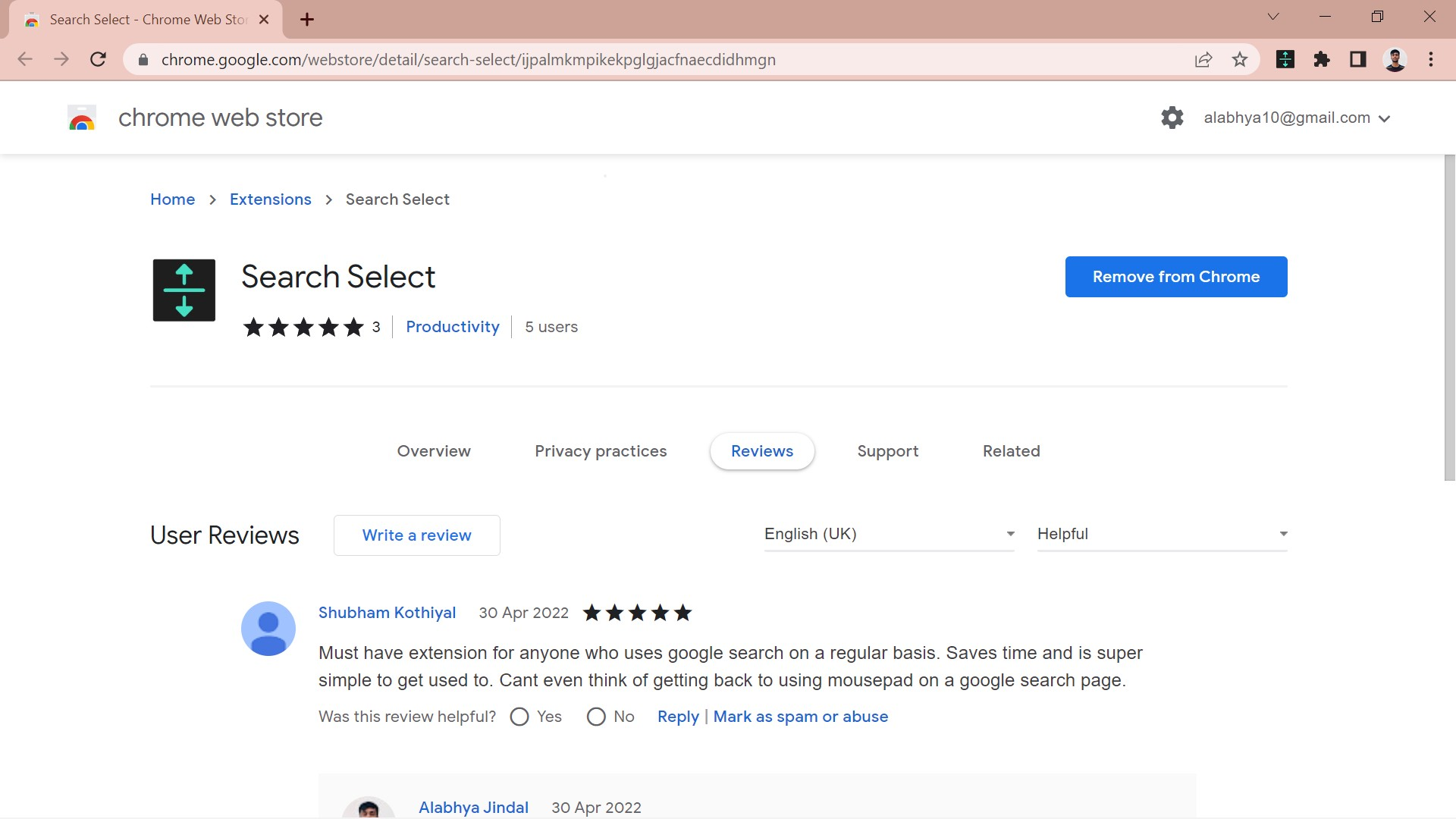
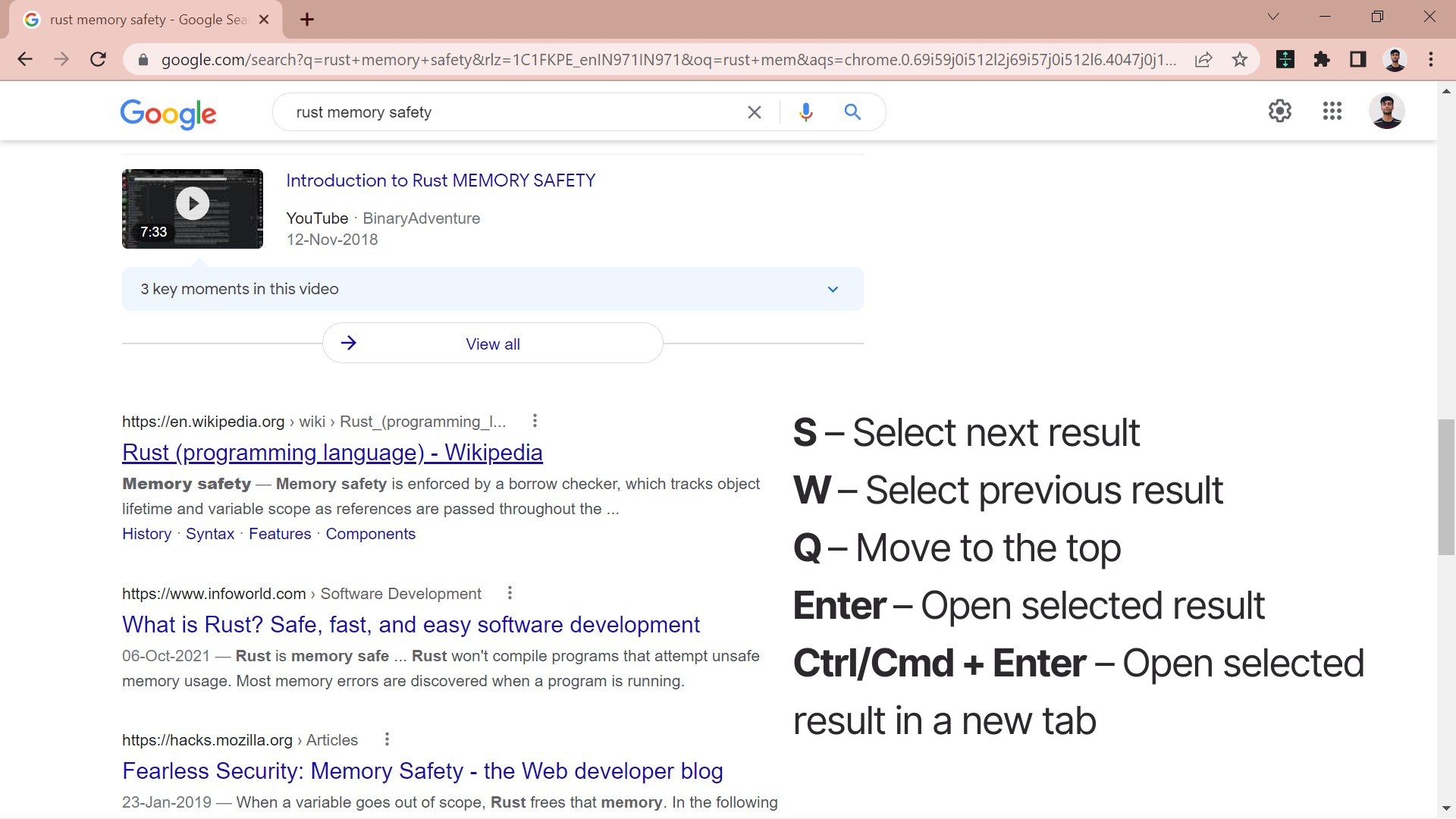
Search Select is a lightweight browser extension available for Chrome that allows users to select and view search results quickly with shortcuts.
The project is created with JavaScript, HTML, CSS and the Chrome Web APIs.
Purpose
I’m always looking for ways to speed up my workflow. I noticed that, like other developers, I use Google a lot. Having to move my hand over to the mouse after every search query slowed down my workflow. I wanted to be able to select the search results using the keyboard which led me to create Search Select.

Spotlight
Making the shortcut navigation keys customizable was the hardest feature to implement in the extension. At the beginning of the project, I hardcoded the keyboard keys which will perform the navigation actions. It looked like this:
let scrollDownKey = 's';
let scrollUpKey = 'w';
let scrollTopKey = 'q';
I later realized that different people might like to use different keys for navigation. I implemented this by using chrome.storage.
At installation, a script runs which saves the default values for the shortcut keys to the storage. This is done by using chrome.runtime.onInstalled. Now, instead of specifying the value of the keyboard shortcut directly, I referred the variable in the storage:
chrome.storage.sync.get((data) => {
  scrollDownKey = String(data.down);
  scrollUpKey = String(data.up);
  scrollTopKey = String(data.top);
});
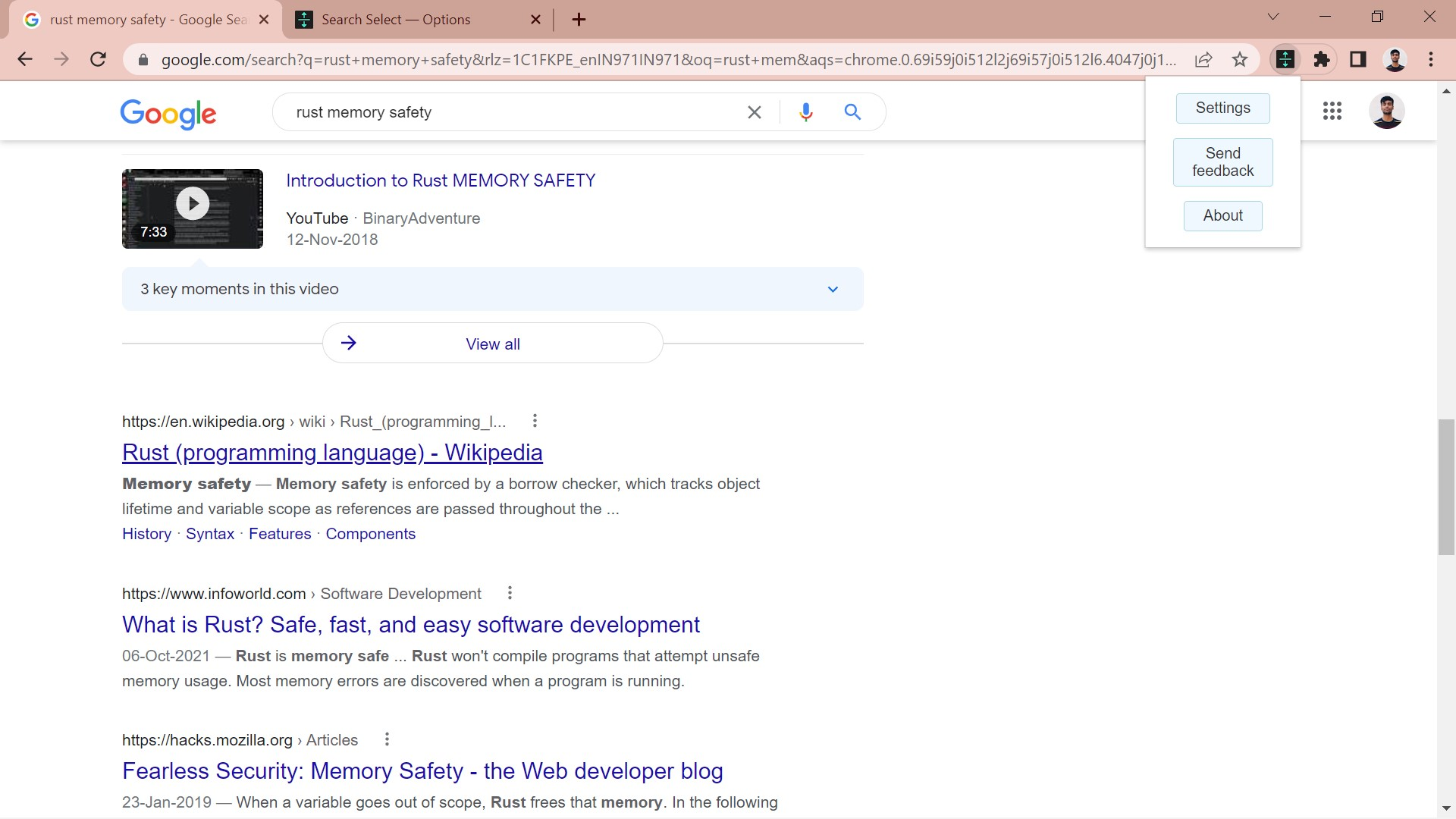
Finally, the extension’s settings page allows users to set custom shortcut keys by saving their preferences to chrome.storage.
Current Status
The extension is currently being used by me and my friends. Version 0.0.2 was released on the Chrome Web Store a while back with bug fixes and design improvements. I want to add support for YouTube in the future.
What I learned
I learned how to create a browser extension from scratch, taking it from an idea to publishing it online for everyone to use. It made me appreciate the power of JavaScript even more and made me realize all the wonderful things that can be done with it.